This tiny contraption is hard to decipher upon first glance. Without the instruction booklet, it may take users a few moments to understand the object’s purpose and operation. Thankfully, the designer included several useful signifiers to help users enjoy this adorable desk ornament.
Affordances
- The slide disk can be inserted and removed from the slot on the top of the dome.
- The angle of the projected image can be changed by tilting the inserted slide disk.
- The slide disk can be rotated to project different images.
- The projection light can be turned on or off using a switch on the underside of the dome.
Signifiers
- The shape of the slot on top of the dome helps users to know that the slide disk can be inserted there.
- The extra space between the disk slot and its rectangular border suggests that the slot can be moved within that border.
- The grooves on the outer edge of the slide disk are a tactile signifier that implies the user should rotate the disk.
- The switch on the underside of the dome is already a signifier just from being a switch, but there are also ‘ON’ and ‘OFF’ labels printed along each side.
Feedback
- When inserting and removing the slide disk, there is an audible click to let the user know that it has been done correctly.
- The disk tilts the projector angle back and forth very easily and smoothly which helps the user to know that this is the intended function.
- When rotating the disk to project different images, there is another audible and tactile click to signify that the user has switched from one image to the next.
- The on/off switch toggles a very visible light from the projector allowing the user to understand the function of the switch.
Conceptual Model + Image Map
Constellation Projector
Click on different areas of the object for more info.
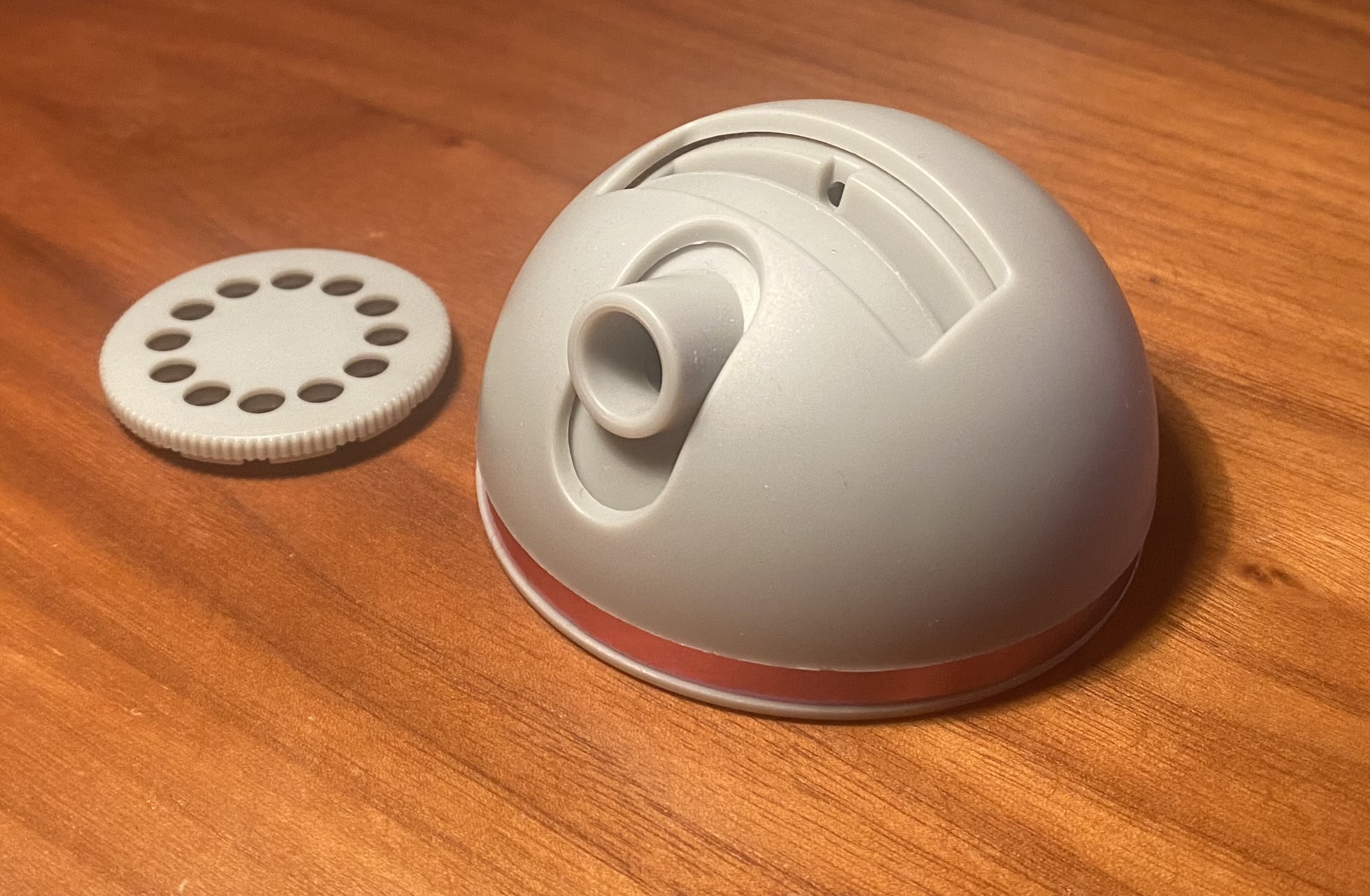
Slide Disk
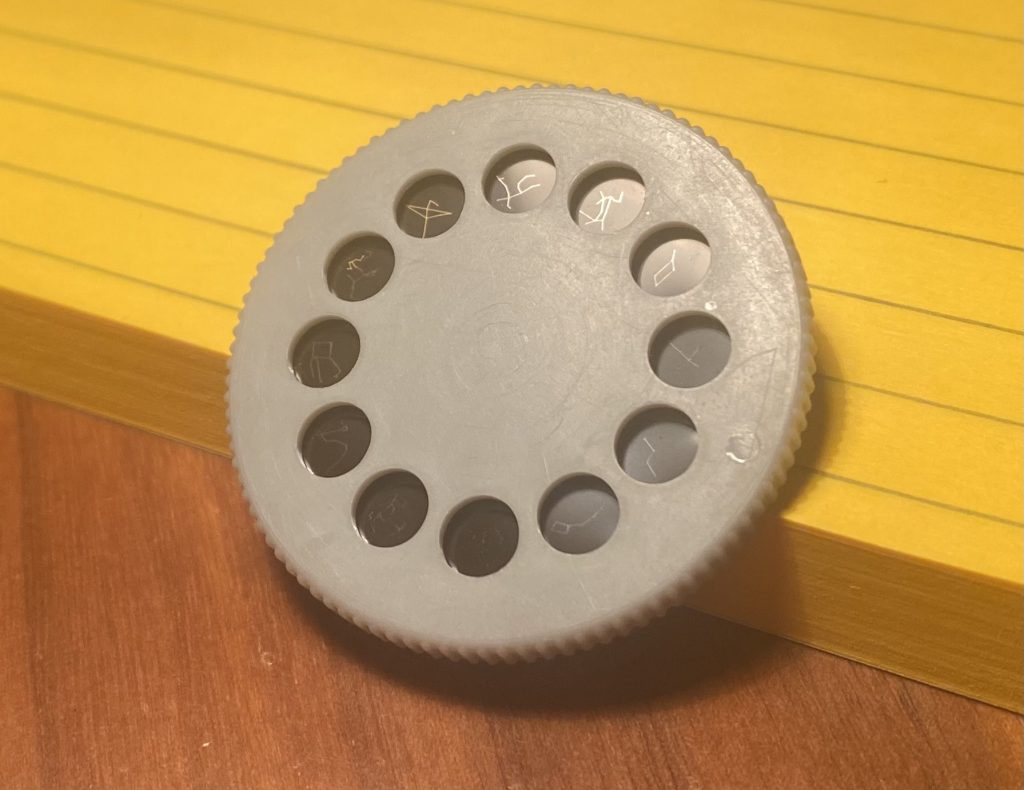
Slide cartridge with constellation images. Light passes through the transparent part of each slide to project the image.
Disk Slot
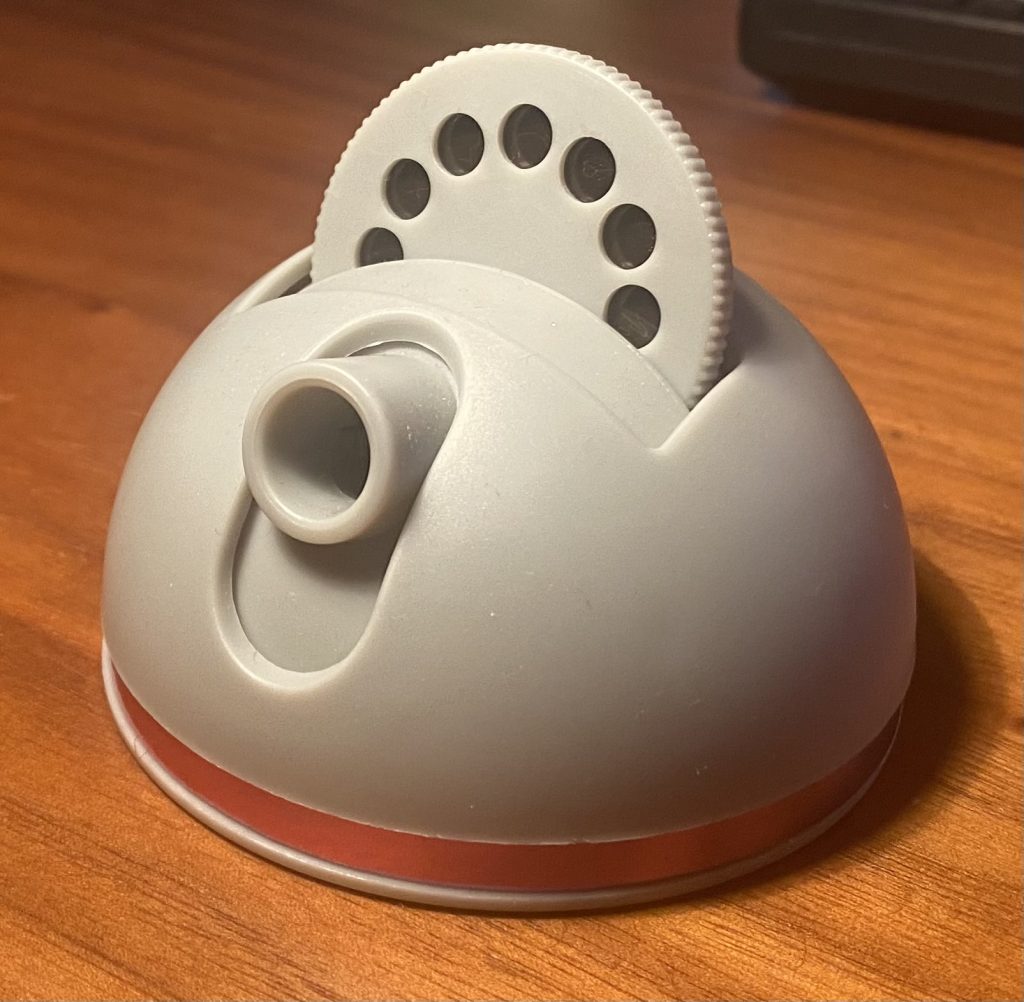
The slide disk can be inserted into the top of the dome as shown here. The disk can be rotated left or right to project different images.
Projector Light
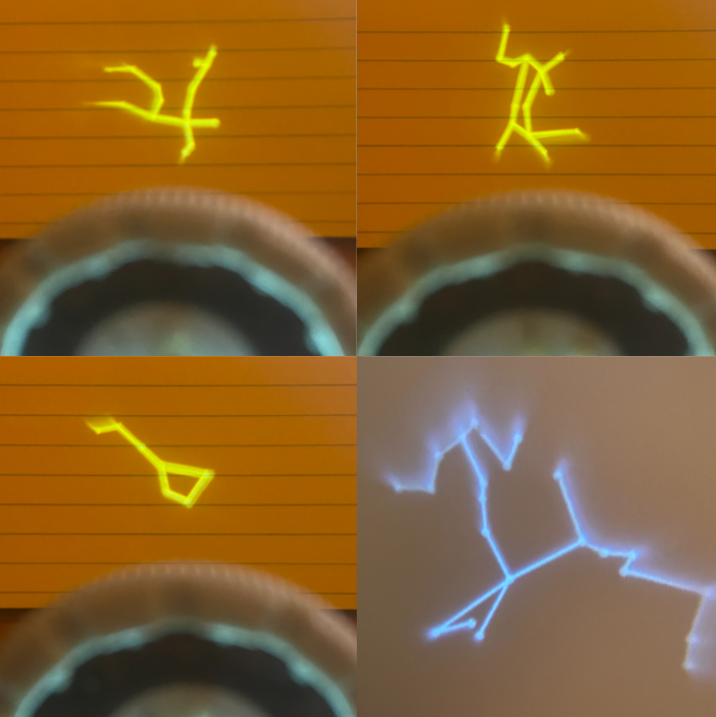
With the light toggled on, the mini projector shows the image on the slide disk. Here are a few examples at close range (6 inches) and one from farther away (2ft).